
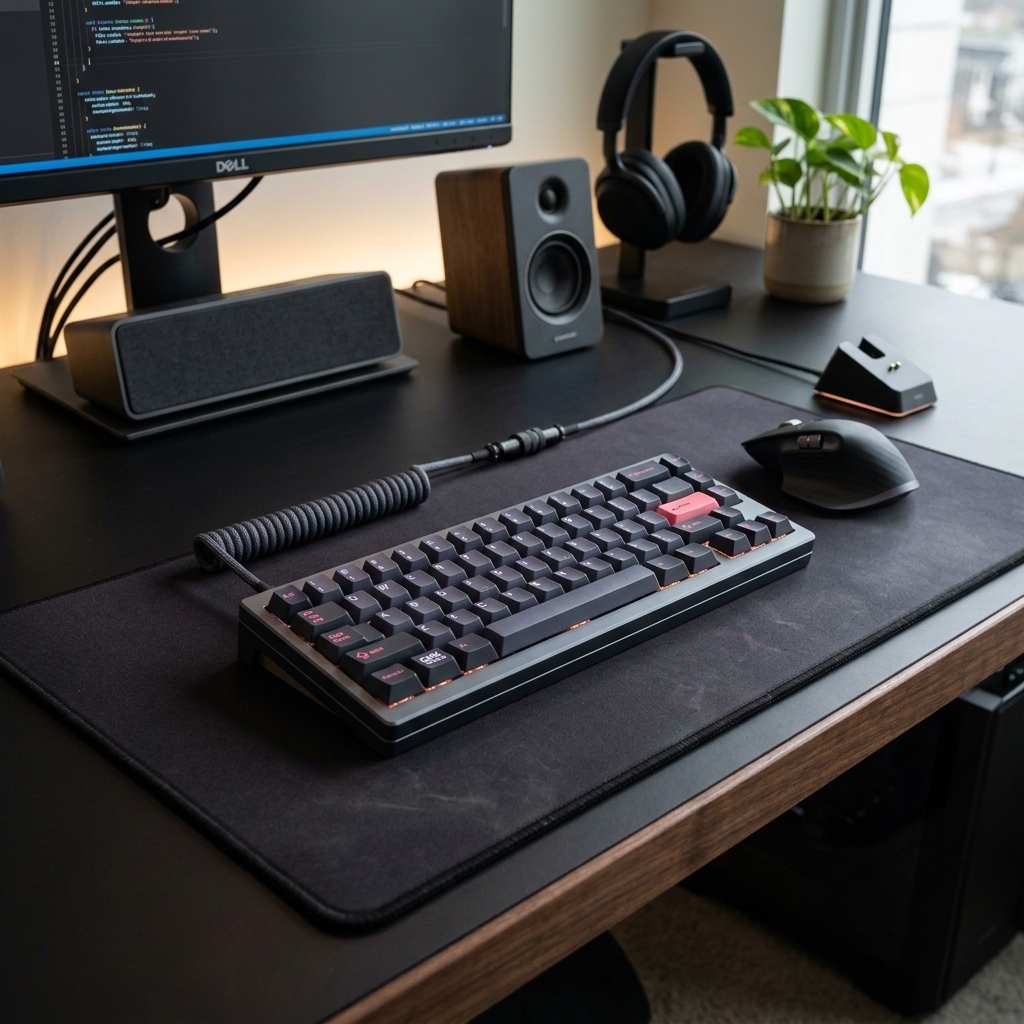

If you spend hours a day typing, your keyboard is the most important tool on your desk. Yet, many of us settle for the flat, uninspiring keys built into our laptops. Enter the world of premium mechanical keyboards, championed by brands like Keychron, offering a typing experience that is both tactile and deeply satisfying.
Customization at Your Fingertips
The beauty of a mechanical keyboard lies in its modularity. With hot-swappable switches, you can customize the exact sound and feel of every keypress. Whether you prefer a clicky, tactile bump or a smooth, silent stroke, there is a switch designed perfectly for your typing style.
Ergonomics and Durability
Beyond aesthetics and sound, mechanical keyboards offer superior durability and ergonomics. The sculpted keycaps and sturdy build help reduce finger fatigue, allowing you to type faster and more comfortably for longer periods. It is not just an accessory; it is an investment in your daily productivity.